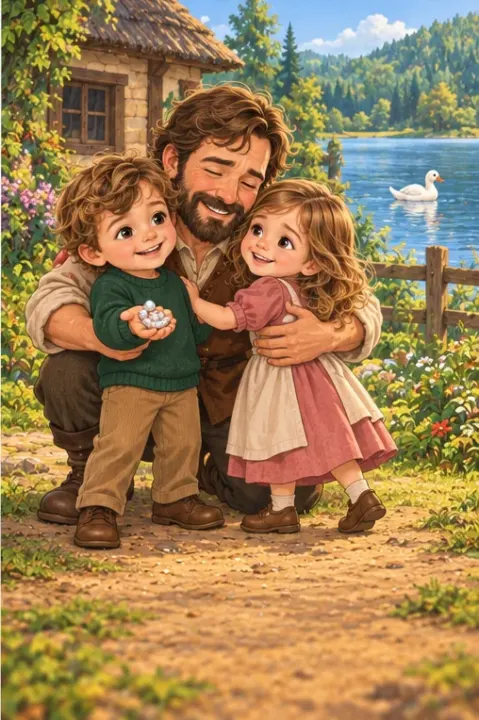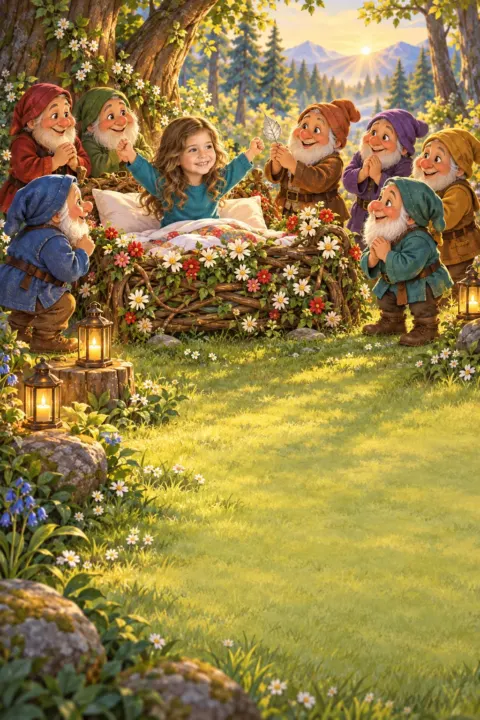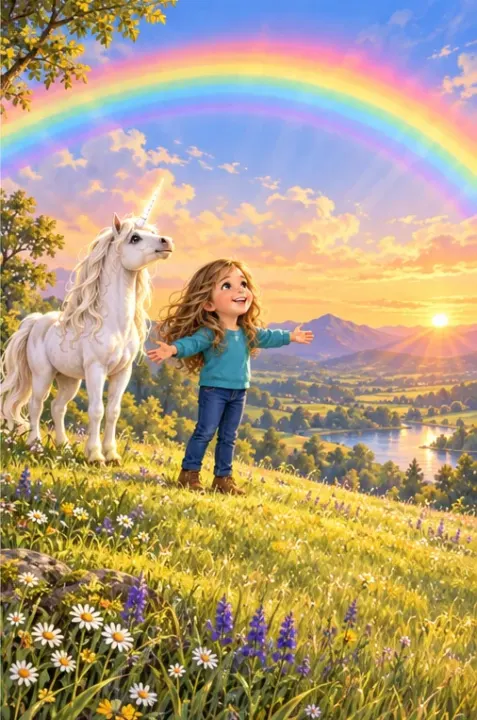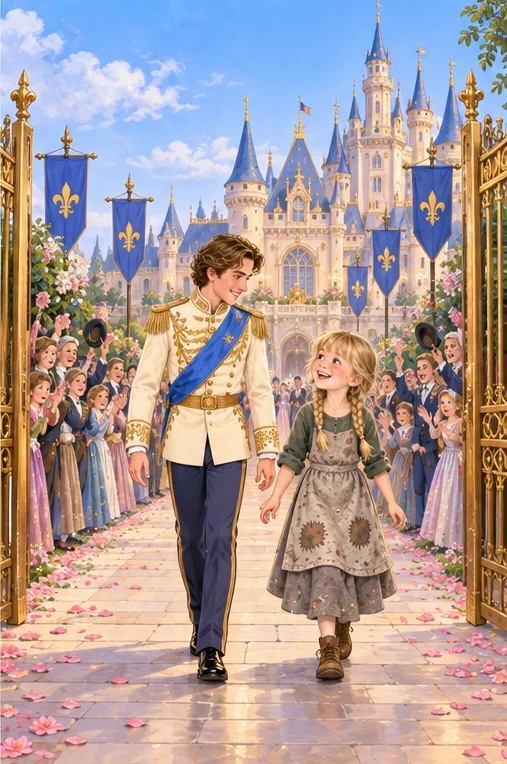
A personalised story book is a picture book made for a particular child. Some books put their name into a fixed story; photo-illustrated books use a reference photo to draw them into the pictures. The useful question is what the child will enjoy reading, and whether the finished result is worth keeping.
Name-only or photo-illustrated?
A name-only book can make a familiar story feel like theirs. A photo-illustrated book also aims to make the hero recognisable. Neither format guarantees a particular reaction. Compare a complete example, rather than only a cover or a name preview. Our format comparison explains the difference.
Start with the child’s interests
Choose a story they already ask for, or an adventure built around something they love. For a younger child, a familiar plot and a short reading session can help. Older children may prefer to choose the setting and contribute the idea themselves. These are editorial starting points, not fixed age rules.
Explore story ideas by age and the fairy-tale guide. I Am In the Story currently offers 96 English catalogue stories; the selection can change.
Look inside a complete book
Read the text and look at several pictures. Is the child recognisable throughout? Are the clothes and other characters consistent? Is the ending right for the child? Catalogue art shows the story’s theme; it is not the same as a finished personalised page.
Our Real Examples describe specific completed books and their settings. The public sample children are synthetic, not customer photographs.
Make it on I Am In the Story
Our service uses AI to create a book from your selected story or idea, photos and settings. Choose the age, language, length and visual look in the book maker. Check the displayed credit cost before starting.
Read the step-by-step process, the photo guide and how to include family.
Ask what happens to the photo
Check how a service uses and retains uploads, how to remove a saved character, and who can view a book. The answer should be understandable before you upload. Read eight privacy questions and the main service’s current policy.
Choose the format for the gift
The book is digital: you read it on screen, download it as a PDF or listen to it read aloud. It is usually ready a few minutes after you start, so there is no post to wait for, and it still works when the birthday is tomorrow. See what a digital book does well or browse Gift Ideas.
Make this story your own
See the roles and options for this tale on I Am In the Story.
Language:Dansk Deutsch Français Italiano Norsk Nederlands Svenska Türkçe