The reference photo helps the book maker draw a recognisable child. A recent, clear photo of one face is more useful than a beautiful picture taken from far away. These tips are for preparing a reference, not a guarantee that every generated illustration will be an exact likeness.
Use light that lets you see the face
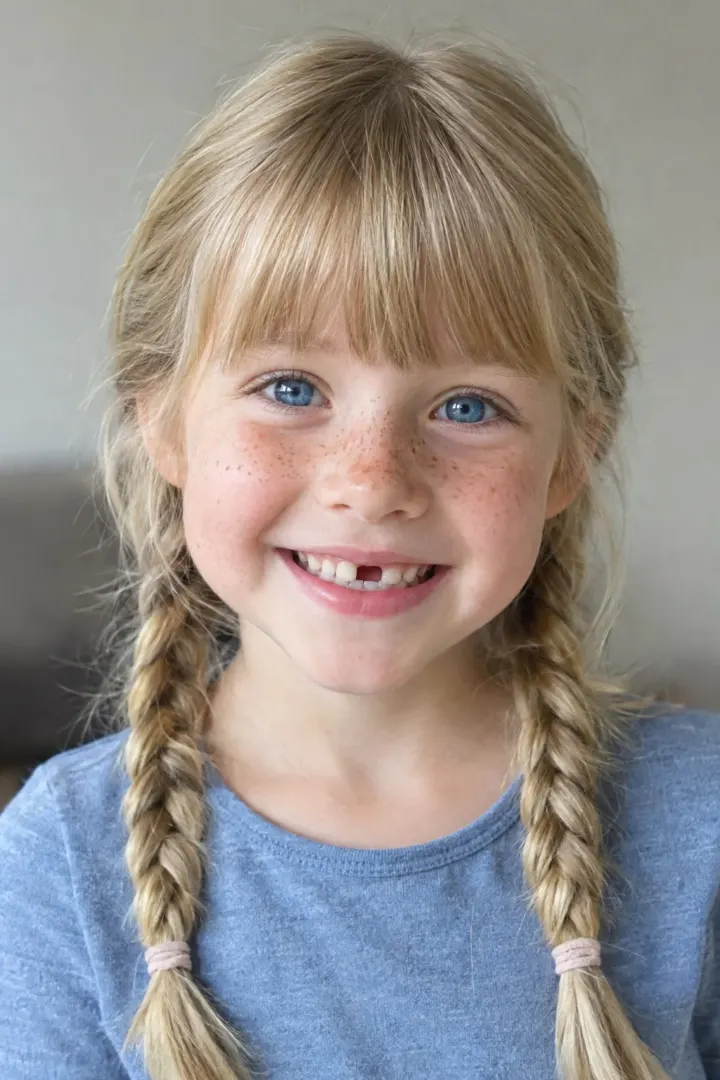
Stand near a window with the child facing the light. Avoid bright light behind them, deep shadow over the eyes and a flash that makes them squint. A natural expression is enough; there is no need for a special costume or a posed smile.
Keep one face clear
Photograph at the child’s eye level. Keep the eyes, cheeks and chin visible, with a little room around the head. Avoid hats over the eyebrows, sunglasses, face filters, blurry screenshots and group photos. If they wear glasses every day, a photo without glare is more useful than changing their familiar appearance.
A two-minute way to take it
- Choose a bright, uncluttered spot beside a window.
- Hold the camera at face level and wait for them to look towards you.
- Take a few pictures and pick one that is sharp when you look closely.
- Use the upload guidance in the book maker for the number and format of photos it accepts.
For relatives, use a separate photo for each person. Ask a parent before uploading a child’s image; do not take one from their social feed without discussing how it will be used.
A reference photo and its actual book pages
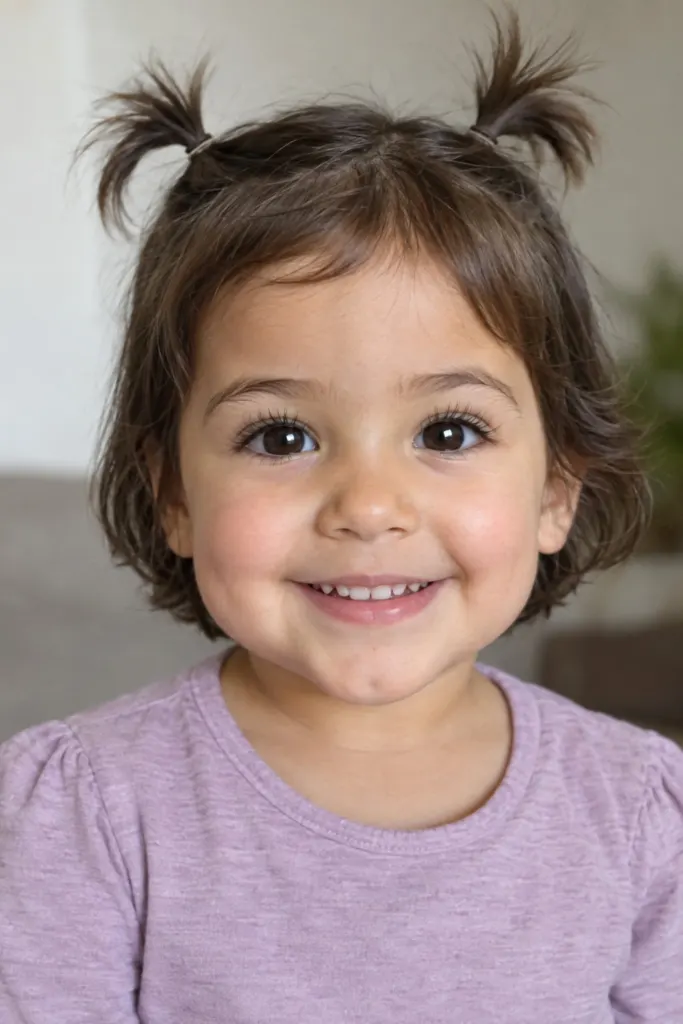
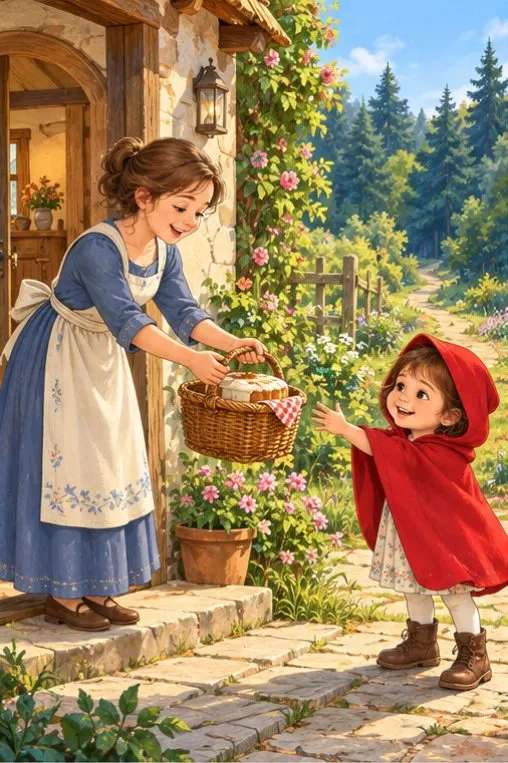
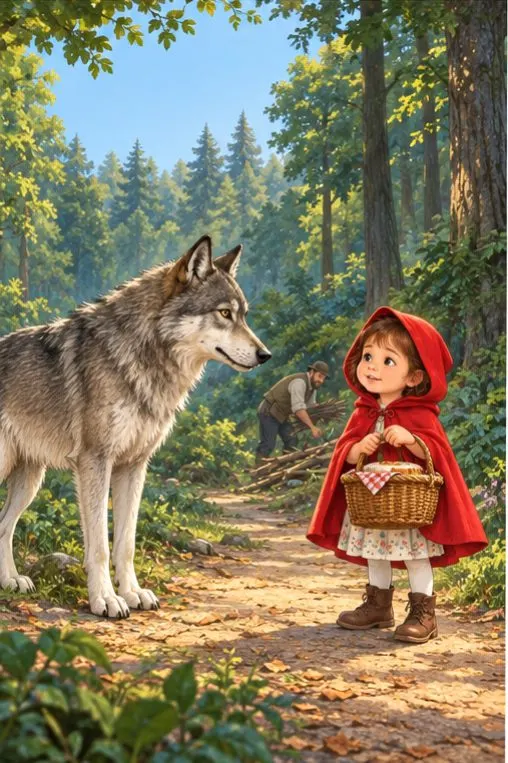
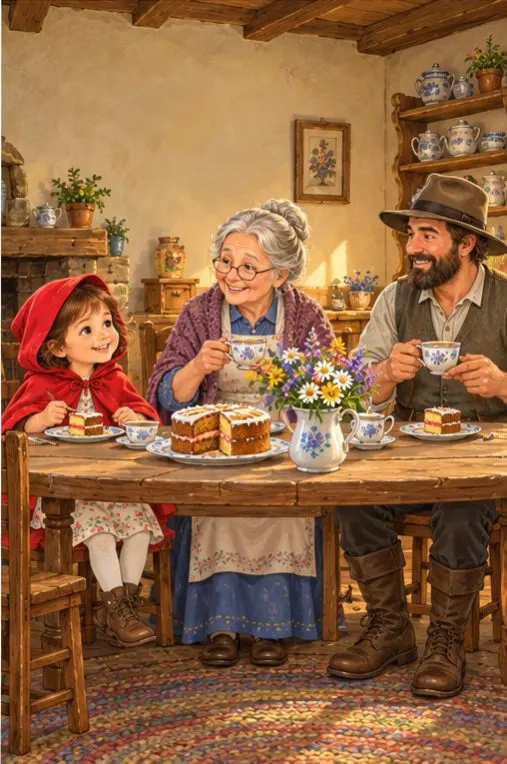
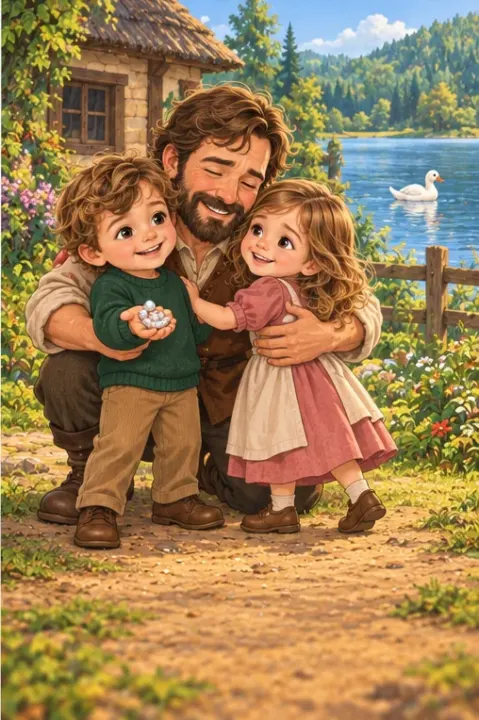
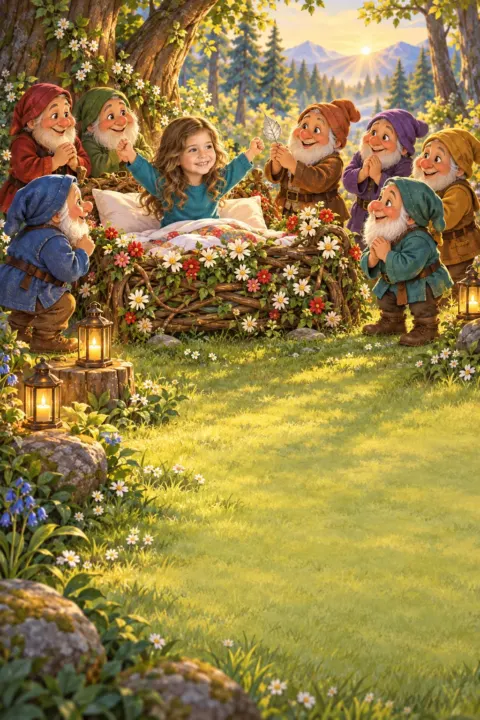
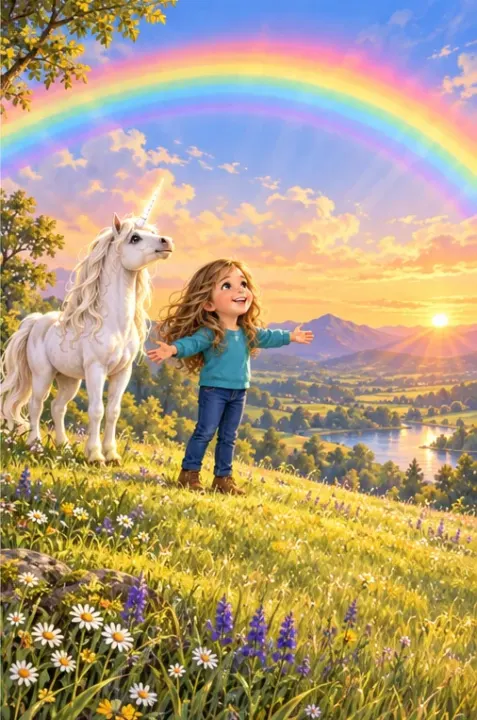
Luna is an AI-generated example child, not a customer. Her reference photo and these pages belong to the same eight-page sample, made in Luminous drawing at low strength. You can read our review and open the full book.
Check privacy before uploading
A good photo should not reveal unnecessary information. Use a plain background and avoid visible school badges, addresses or other children. Read the service’s current policy for one-off uploads, saved characters and share links. Our privacy questions guide explains what to ask.
Check the finished likeness on several pages
Look at the face in different scenes and angles. Check the clothes and relationships too. If you are making a gift, read the whole book before sharing it. Then compare the current illustration looks and choose a story the child will enjoy.
Language:Deutsch Français Español Italiano Nederlands Svenska Dansk Norsk